12 tips for online moderators
Online moderation at a glance
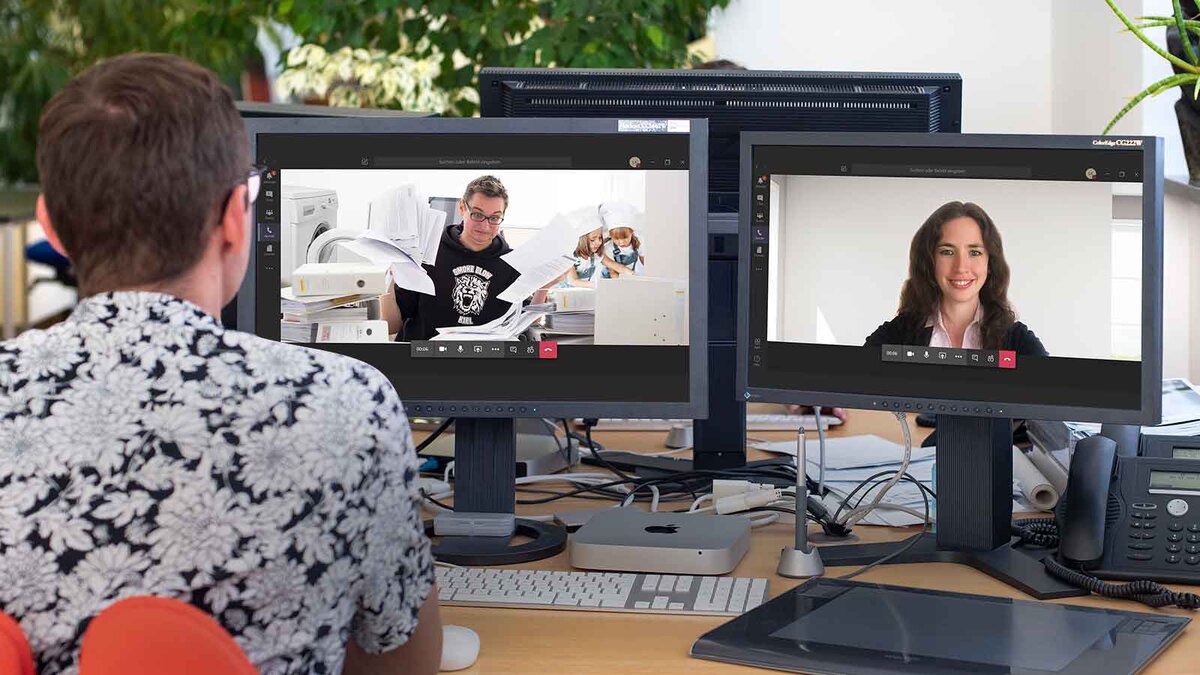
Many video conferences and live broadcasts are currently being hosted from home. Within the comfort of your own home, the private atmosphere makes it particularly challenging to maintain a professional setting and keep the requirements of hosting in mind. Here are the key tips for successful online hosting:
- Home studio equipment: The cameras built into laptops, smartphones and tablets are well suited to online formats thanks to their excellent resolution. Use smartphones and tablets with a tripod. Also ensure good sound quality, for example by using podcast microphones. Be sure to test your equipment in the relevant online tool beforehand.
- Background noise: Background noise is distracting. Put your smartphone on silent and close windows and doors. Be mindful of other sources of noise, such as from the washing machine or dishwasher. In rooms with an echo, lay down a rug.
- Lighting conditions: Natural light is best, slightly softened by light, translucent curtains. Alternatively, LED panels that allow for continuous adjustment of colour temperature are suitable. Make sure there are no shadows cast across your face – for example, from direct sunlight behind you. Also avoid sunlight shining directly at you from the front.
- Home studio background: Ensure you have a neutral background, which ideally does not reveal too many personal details about you or your home. A background relevant to the occasion, featuring a logo or event theme, looks even more professional.
- Framing: We’re used to horizontal images from TV broadcasts. If you’re using your smartphone or tablet, make sure you’re in landscape mode. Avoid holding your mobile devices upright. Your upper body – from head to chest – should be centred in the frame and take up most of the shot.
- Posture: Stand in front of the camera or sit upright, ideally on a sturdy chair or stool. Avoid swivelling office chairs with a large, visible backrest. Also, try to sit still.
- Clothing: Dress in a business-style, as a presenter would. Take your cue from television newsreaders and wear a blouse or shirt with a jacket. Ensure there is contrast with the background by choosing a different colour to your background. Take care with green-screen features. Also, avoid stripes and patterns.
- Body language: Be mindful of your facial expressions and gestures. Do not touch your face, do not tug at your hair and do not move out of the audience’s field of view. Maintain eye contact with the camera. Try to keep your hand gestures to a minimum – and if you do use them, keep them at chest height so that your audience can see the gestures you’re using to emphasise your points.
- Speech: Speak slowly, clearly and in short sentences. Choose simple words rather than foreign terms or technical jargon. Use pauses, intonation, and variations in speed and volume to ensure clear articulation.
- Behaviour: Bear in mind that you are constantly in view of your audience. All attention is focused on you. Concentrate on your content and messages. Listen and respond to questions. Feel free to take notes. Be open and show your appreciation for the participants. Thank them for their contributions and questions.
- Procedure: Introduce yourself and welcome your audience. Draw their attention to online etiquette – for example, the chat function and hand-sign options. If technical problems arise, refer them to the technical support line (if one has been set up).
- Presentation materials: If you are sharing your screen, bear in mind that, depending on the settings of the online tool, participants may be able to see everything on your desktop. Ensure your desktop is tidy and that you have a neutral background image. Close any programmes that might reveal sensitive data (e.g. email previews, pop-ups from chat histories). Open your presentation materials before the event begins. You are also welcome to prepare physical handouts that you can show as and when required.
We wish you every success with your next presentation!
Read more about virtual public participation.